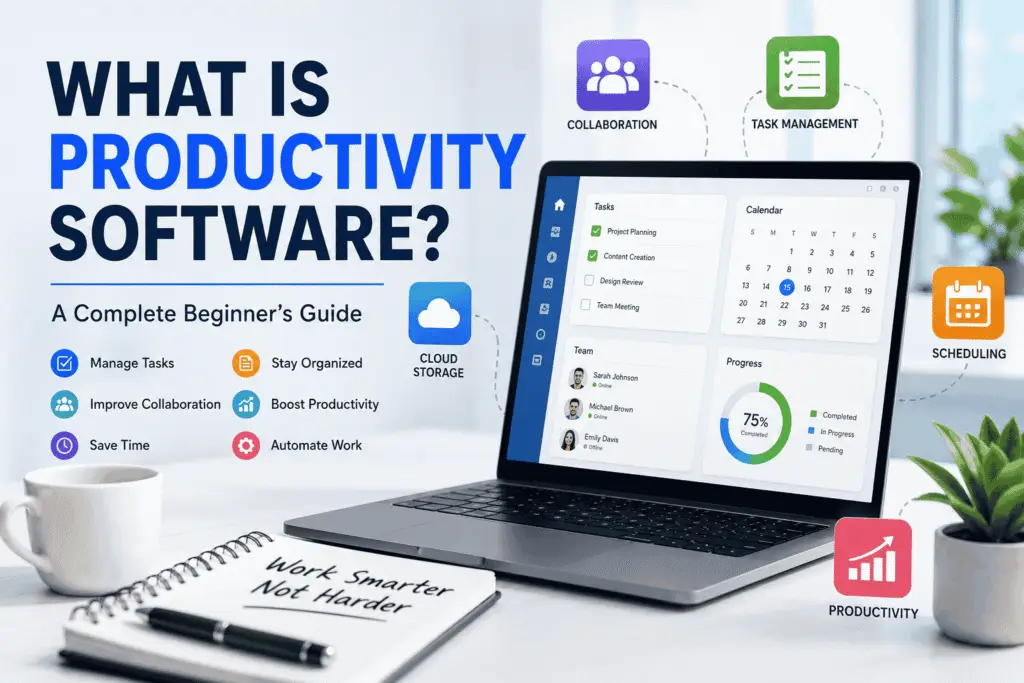
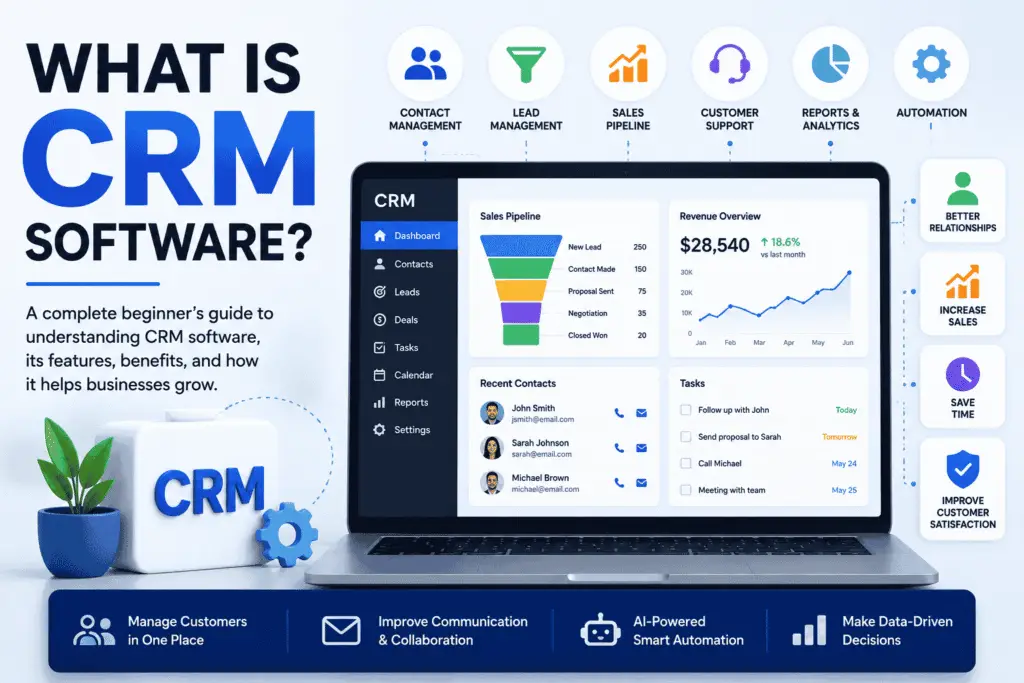
Software is the digital part of a computer or electronic device that provides instructions for performing tasks. It allows people to write documents, browse the internet, watch videos, edit photos, play games, communicate, and use countless other digital services.
Unlike hardware, software cannot be physically touched. Hardware includes physical components such as processors, memory, keyboards, screens, and storage devices, while software consists of programs, instructions, and associated data.
From the operating system on a laptop to the apps on a smartphone, software is responsible for much of the functionality people use every day.
Understanding Software
In simple terms, software is a collection of instructions that tells a computer or digital device how to perform particular operations.
When you open an application, click a button, save a file, or visit a website, the instructions behind that action are handled by programs running on your device or on remote computers.
Software can be very simple, such as a small utility that performs one task, or extremely complex, such as an operating system or a large enterprise platform.
The term can also refer to associated data and components needed for a program or system to function.
How Does It Work?
A computer follows instructions provided by programs and uses its hardware resources to execute them.
A simplified example looks like this:
- You give the computer a command.
- The operating system and relevant program process that command.
- Instructions are sent for execution by the computer’s hardware.
- The processor and other components perform the required operations.
- The program displays the result or performs the requested action.
For example, when you open a photo-editing application and apply a filter, the application processes your command and uses computing resources to modify the image.
The actual process is much more complicated, but this basic relationship explains how programs and physical components work together.
Main Categories of Software
There are many ways to classify computer programs. A useful starting point is to divide them into system software, application software, and development tools.
System Software
System software manages computer resources and provides a foundation for other programs.
The most familiar example is an operating system. Windows, macOS, Linux, Android, and iOS are all operating systems that provide services and environments for applications.
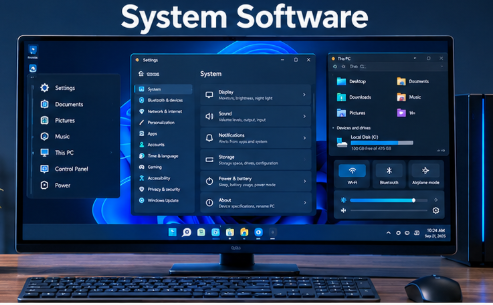
System software can also include components such as device drivers and system utilities. These components help the operating system communicate with hardware and perform essential functions.
Application Software
Application software is designed to help users accomplish particular tasks.
Common examples include:
- Web browsers
- Word processors
- Email applications
- Photo editors
- Video players
- Accounting programs
- Presentation tools
- Games
- Communication applications
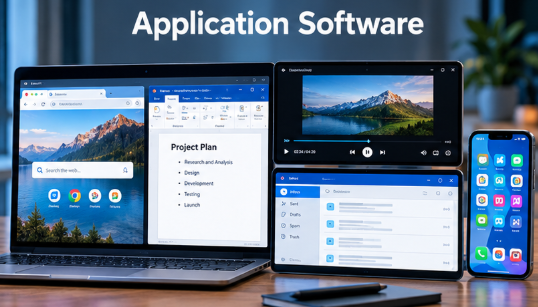
For example, a web browser allows you to access websites, while a word processor helps you create and edit documents.
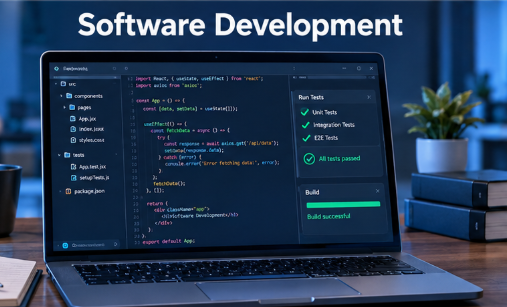
Development Software
Developers also use specialized programs to create and maintain other programs.
These tools can include:
- Code editors
- Compilers
- Debuggers
- Integrated development environments
- Testing tools
- Version-control systems
They support different stages of the development process, from writing code to testing and maintaining finished products.
Software and Hardware: What’s the Difference?
The simplest distinction is:
Hardware is physical, while software consists of digital instructions and associated data.
| Hardware | Software |
|---|---|
| Physical part of a computing system | Digital programs and associated data |
| Can be physically touched | Cannot be physically touched |
| Includes processors, memory and storage devices | Includes operating systems, applications and development tools |
| Performs physical computing operations | Provides instructions and functionality |
Neither works as a complete computing system in isolation. Hardware provides the physical environment for executing instructions, while programs tell that hardware what operations are required.
For example, a laptop’s processor is hardware. Windows running on that laptop is software.
Common Examples
People interact with programs constantly, often without thinking about them as separate technology.
Desktop and Laptop Programs
A typical computer may contain programs for:
- Internet browsing
- Document creation
- File management
- Photo and video editing
- Media playback
- Security
- Communication
Mobile Applications
Smartphones rely heavily on applications for everyday activities.
Banking, navigation, messaging, photography, shopping, entertainment, and social networking are all supported by mobile software.
Business Systems
Organizations use specialized systems to manage many areas of their operations.
Examples include:
- Accounting systems
- Customer relationship management platforms
- Inventory systems
- Project management tools
- Data analysis platforms
- Human resources systems
These products can range from small applications to large platforms used across entire organizations.
Embedded Software
Not every program runs on a traditional computer or smartphone.
Cars, routers, smart appliances, industrial machines, medical equipment, and other electronic products can contain software that controls or supports specific functions.
This type of software is often closely integrated with the device’s hardware.
What’s the Difference Between an App and Software?
An app is a type of software, but the two terms are not completely interchangeable.
The word software is a broad term covering operating systems, applications, development tools, and other digital programs and components.
An app usually refers to a program designed to perform a particular function for an end user.
For example, a weather app is application software. The operating system running the smartphone is also software, but it is not normally described simply as an app.
How Is Software Created?
Creating a program usually involves several stages rather than simply writing code once and releasing it.
Developers first determine what the product needs to accomplish. They may then plan its design, write and integrate code, test the result, fix problems, release the product, and continue maintaining it.
This overall process is commonly referred to as the Software Development Life Cycle (SDLC).
Depending on the project, software development can involve programmers, designers, testers, security specialists, project managers, system administrators, and other professionals.
Maintenance is also an important part of the process. Released products may receive updates to add functionality, correct bugs, improve compatibility, or address security problems.
Why Is Software Important?
Modern computing would not be useful without programs that tell hardware what to do.
Software allows people to interact with computers and digital devices in practical ways. It supports communication, business operations, entertainment, education, research, automation, data processing, and many other activities.
It also makes hardware adaptable. The same computer can be used for writing documents, editing videos, programming, browsing the web, or analyzing data simply by running different programs.
Cloud computing has expanded this idea even further. Many modern services run partly or primarily on remote servers and are accessed through websites or applications rather than being installed entirely on a user’s device.
Does Software Always Need to Be Installed?
No. A program or software service does not necessarily have to be installed directly on the device you are using.
Traditional desktop programs may be installed locally, while many modern services are delivered through the internet.
For example, a web-based service can run on remote infrastructure while the user interacts with it through a browser. Cloud computing therefore allows people to use many capabilities without storing all of the underlying software and data locally.
The exact arrangement depends on the service and its architecture.
Why Do Programs Need Updates?
Updates can serve several purposes.
A developer may release an update to:
- Fix bugs
- Improve performance
- Add features
- Improve compatibility
- Address security vulnerabilities
- Support newer hardware or operating systems
Not every update changes what users can see. Some changes happen behind the scenes to improve reliability, security, or compatibility.
Keeping important programs updated can therefore be an important part of maintaining a secure and functional computing environment.
Frequently Asked Questions
What is the simplest definition of software?
Software is a collection of digital instructions and associated data that enables a computer or digital device to perform tasks.
What are the main types of software?
Common categories include system software, application software, and software development tools. Different classification systems may divide these categories further.
Is Windows an example of software?
Yes. Windows is an operating system and therefore a type of system software.
Is a mobile app considered software?
Yes. A mobile app is application software designed to perform specific functions on a mobile device.
Can a computer work without software?
A computer requires software or other executable instructions to perform useful computing tasks. Hardware provides the physical components, but instructions are needed to operate them for particular purposes.
What is the difference between hardware and software?
Hardware consists of physical components such as processors and memory. Software consists of digital instructions and associated data that provide functionality and direct computing operations.
Final Thoughts
Software is one of the fundamental components of modern computing. It provides the instructions and functionality that allow computers, smartphones, cars, appliances, servers, and many other devices to perform useful tasks.
The easiest distinction to remember is simple: hardware is the physical equipment, while software provides the digital instructions and functionality that make the equipment useful.