Choosing the best laptops for students can be difficult because there are so many options available. Some students need a laptop for online classes and assignments, while others require a powerful machine for programming, graphic design, video editing, or gaming.
The good news is that you don’t need to spend a fortune to get a reliable laptop. Many affordable laptops now offer excellent performance, long battery life, lightweight designs, and modern features that are perfect for school, college, or university.
This guide explains everything you need to know before buying a student laptop. We’ll cover the essential features, recommend laptops for different needs and budgets, and help you choose the right device for your studies.
Read Our Guide On:
Is Nimo a Good Laptop Brand? Honest Guide
Why Students Need a Good Laptop
A laptop has become an essential learning tool. Whether you’re attending online classes, writing assignments, creating presentations, or researching projects, a dependable laptop makes studying easier.
A good student laptop should offer:
- Fast performance
- Long battery life
- Lightweight design
- Comfortable keyboard
- Good display
- Reliable build quality
- Affordable price
Buying the right laptop also means it will last throughout your degree without frequent upgrades.
What to Look for Before Buying a Student Laptop
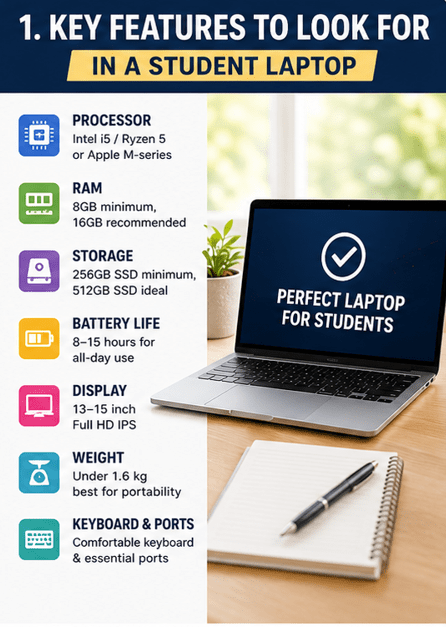
Not every student has the same requirements. Before purchasing, consider these important factors.
Processor (CPU)
The processor is the brain of your laptop.
Recommended choices include:
- Intel Core i5 or newer
- AMD Ryzen 5 or newer
- Apple M2 or M3 chips
These processors easily handle everyday student tasks and multitasking.
RAM
RAM affects how smoothly your laptop runs.
Recommended:
- Minimum: 8GB RAM
- Best: 16GB RAM
If you frequently use many applications at once, 16GB provides a better experience.
Storage
Solid State Drives (SSD) are much faster than traditional hard drives.
Recommended storage:
- 256GB SSD for basic users
- 512GB SSD for most students
- 1TB SSD for creators and engineering students
Battery Life
Students often spend hours away from power outlets.
Look for laptops offering:
- At least 8 hours
- Preferably 10–15 hours
Long battery life means fewer interruptions during classes.
Display
A good display reduces eye strain.
Recommended:
- 13–15 inch screen
- Full HD (1920×1080)
- IPS panel
Higher brightness makes outdoor use easier.
Weight
Students carry laptops every day.
Ideal weight:
- Under 1.6 kg
- Ultrabooks under 1.3 kg are even better
Keyboard
A comfortable keyboard is essential for writing notes and assignments.
Choose laptops with:
- Comfortable key travel
- Backlit keyboard
- Large touchpad
Ports
Useful ports include:
- USB-C
- USB-A
- HDMI
- Headphone jack
- SD card reader (optional)
Best Laptops for Students in 2026
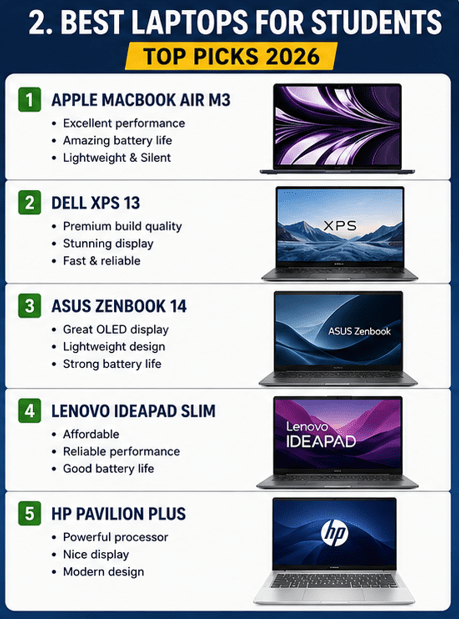
Here are some of the best choices available today.
Apple MacBook Air M3
Best for: Overall performance
Pros
- Outstanding battery life
- Extremely lightweight
- Silent operation
- Excellent display
- Powerful Apple M3 chip
Cons
- Expensive
- Limited ports
Ideal for:
- College students
- Writers
- Business students
- Medical students
Dell XPS 13
Best for Premium Windows Users
Pros
- Beautiful display
- Excellent build quality
- Fast performance
- Portable design
Cons
- Higher price
- Limited upgrade options
Perfect for:
- Professionals
- University students
- Computer science students
ASUS Zenbook 14
Best Value Laptop
Pros
- Great OLED display
- Lightweight
- Strong battery life
- Excellent keyboard
Cons
- Speakers could be better
Best for:
- Everyday student work
- Online classes
- Research
Lenovo IdeaPad Slim Series
Best Budget Laptop
Pros
- Affordable
- Reliable performance
- Comfortable keyboard
- Good battery
Cons
- Average display brightness
Ideal for:
- School students
- Budget buyers
- Office work
HP Pavilion Plus
Best Mid-Range Laptop
Pros
- Powerful processor
- Nice display
- Good battery
- Modern design
Cons
- Slightly heavier
Recommended for:
- Business students
- College assignments
- Presentations
Acer Aspire 5
Best Budget All-Rounder
Pros
- Affordable
- Upgradeable RAM
- Decent performance
- Good selection of ports
Cons
- Average battery
Perfect for:
- Beginners
- Homework
- Daily productivity
Best Laptops by Student Type
For School Students
Recommended features:
- Intel Core i3 or Ryzen 3
- 8GB RAM
- 256GB SSD
Suitable models:
- Lenovo IdeaPad
- Acer Aspire 5
- ASUS Vivobook
For College Students
Recommended:
- Intel Core i5
- Ryzen 5
- Apple M2/M3
- 8–16GB RAM
Suitable laptops:
- ASUS Zenbook
- MacBook Air
- Dell Inspiron
For Engineering Students
Engineering software requires more power.
Recommended:
- Intel Core i7
- Ryzen 7
- 16GB RAM
- Dedicated graphics card
Examples:
- Lenovo Legion
- Dell G15
- ASUS TUF Gaming
For Computer Science Students
Programming benefits from:
- Fast processor
- 16GB RAM
- SSD storage
Great options:
- MacBook Air
- Dell XPS
- Lenovo ThinkPad
For Graphic Design Students
Look for:
- Color-accurate display
- Dedicated GPU
- Powerful CPU
Recommended:
- MacBook Pro
- ASUS ProArt
- Dell XPS
For Medical Students
Medical students mostly need portability and battery life.
Ideal laptops:
- MacBook Air
- HP Pavilion
- ASUS Zenbook
Windows vs MacBook for Students
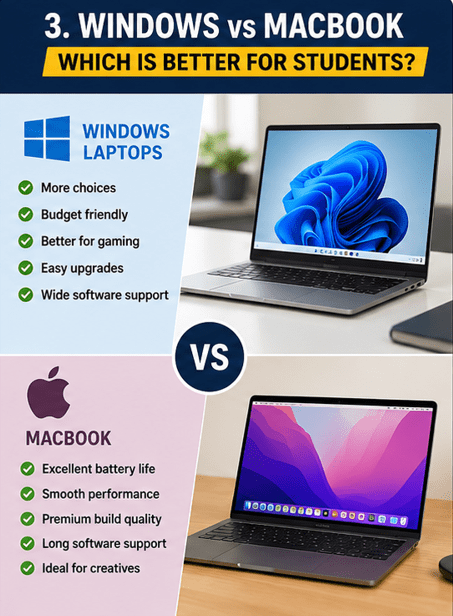
Windows Laptop
Advantages
- Lower prices
- More hardware choices
- Easier upgrades
- Better gaming support
Best for:
- Engineering
- Gaming
- Budget buyers
MacBook
Advantages
- Excellent battery life
- Smooth performance
- Premium build quality
- Long software support
Best for:
- Business students
- Writers
- Creators
- Everyday productivity
How Much RAM Do Students Need?
For most students:
- 8GB is enough for web browsing, assignments, and online classes.
For advanced users:
- 16GB is recommended for programming, editing, engineering, and multitasking.
How Much Storage Is Enough?
Storage depends on your usage.
Basic users:
- 256GB SSD
Average users:
- 512GB SSD
Heavy users:
- 1TB SSD
Cloud storage can also reduce the need for large local storage.
Should Students Buy a Gaming Laptop?
Gaming laptops are powerful but not always the best choice.
Advantages
- High performance
- Dedicated graphics
- Great for engineering software
Disadvantages
- Heavy
- Expensive
- Shorter battery life
Only buy one if you also plan to game or use demanding applications.
Laptop Buying Tips for Students
Keep these tips in mind before purchasing.
- Set a realistic budget.
- Prioritize battery life.
- Buy at least 8GB RAM.
- Choose SSD storage.
- Check warranty options.
- Read customer reviews.
- Compare prices before buying.
- Avoid buying outdated models.
Common Mistakes to Avoid
Many students make these mistakes:
- Buying the cheapest laptop available
- Ignoring battery life
- Choosing only 4GB RAM
- Purchasing an HDD instead of SSD
- Buying more power than they actually need
A balanced laptop usually offers the best value.
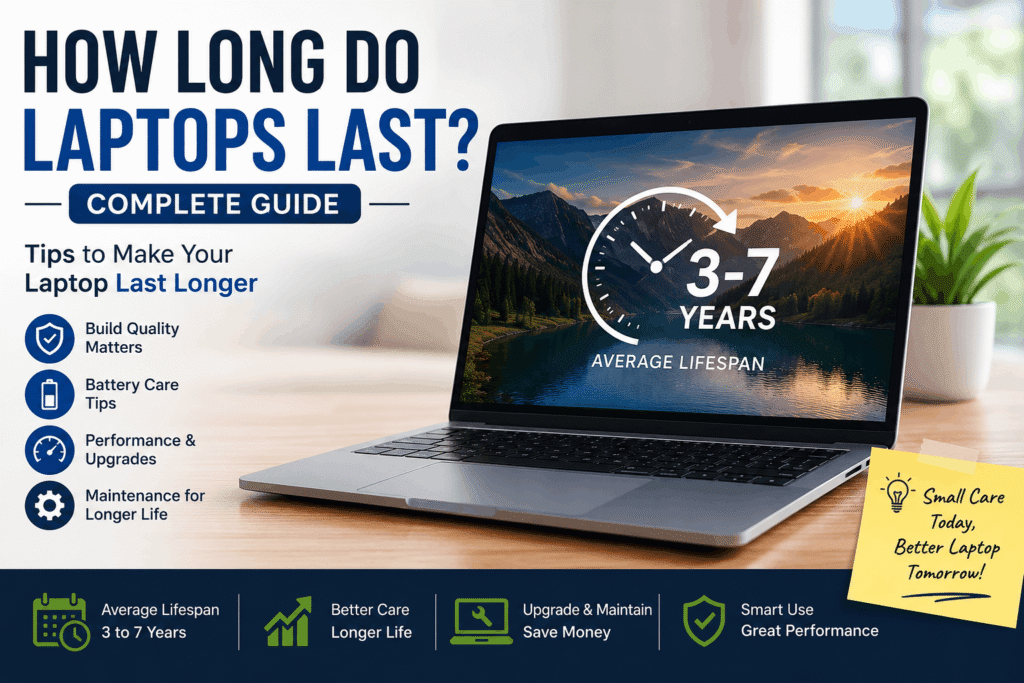
How Long Do Laptops Last and How to Extend Lifespan
Frequently Asked Questions
Which laptop is best for students?
The Apple MacBook Air M3, ASUS Zenbook 14, Dell XPS 13, HP Pavilion Plus, and Lenovo IdeaPad Slim are among the best choices depending on your budget and needs.
Is 8GB RAM enough for students?
Yes. Eight gigabytes of RAM is sufficient for most school and college tasks, while 16GB is better for heavy multitasking and professional software.
Should students buy a MacBook or Windows laptop?
Windows laptops offer greater flexibility and lower prices, while MacBooks provide excellent battery life, premium build quality, and smooth performance.
How much should a student spend on a laptop?
Most students can find a good laptop between $500 and $1,000, while premium models cost more.
Is SSD better than HDD?
Yes. SSDs are much faster, quieter, and more reliable than traditional hard drives.
Can a budget laptop last throughout college?
Yes. A well-built laptop with a modern processor, 8GB or more RAM, and SSD storage can easily last four to six years with proper care.
Read Our Guide On:
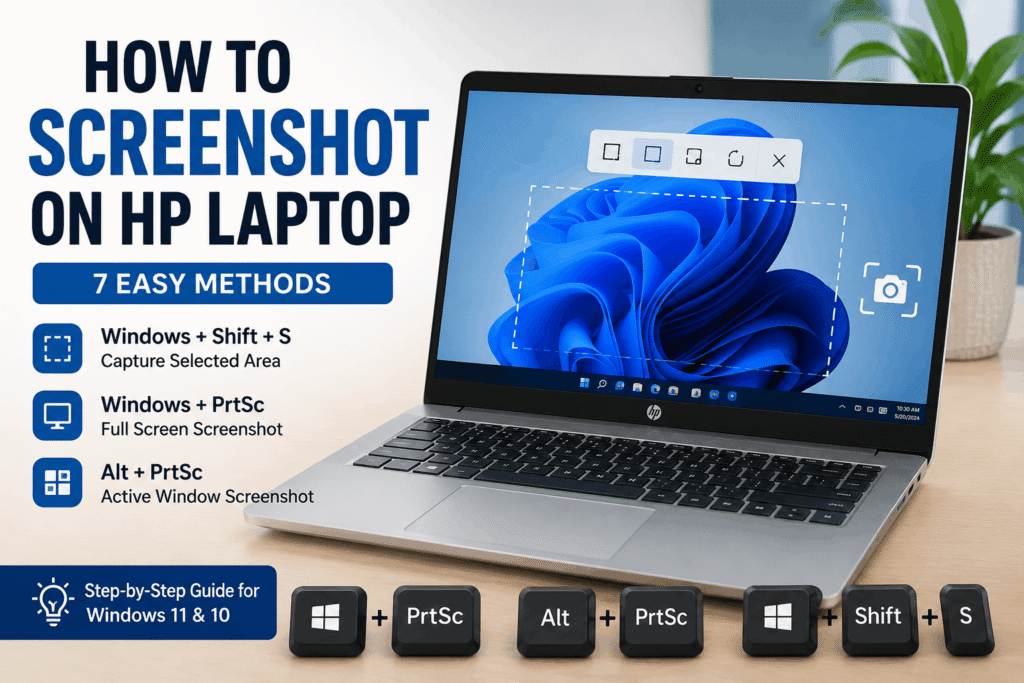
How to Screenshot on HP Laptop
Conclusion
Finding the best laptops for students doesn’t have to be complicated. Start by identifying your needs, budget, and the software you’ll use during your studies.
For most students, a laptop with an Intel Core i5, AMD Ryzen 5, or Apple M-series processor, 8GB to 16GB of RAM, SSD storage, and long battery life offers the perfect balance of performance and value. If you’re studying engineering, programming, or graphic design, investing in more powerful hardware is worthwhile.
A quality laptop is an investment in your education. Choosing the right one today can help you stay productive, complete assignments efficiently, and enjoy a smoother learning experience for years to come.
Read Our Guide On:
How to Clean Laptop Fan Safely

Mehtab Hassan is the founder and tech writer at Brozly, where he publishes easy-to-understand articles on AI, software, cybersecurity, smartphones, laptops, and emerging technology. His goal is to help readers make smarter tech decisions through detailed reviews, practical tutorials, and beginner-friendly guides. He is passionate about exploring the latest innovations and delivering accurate, up-to-date content that everyone can understand.